


Upcoming Events

Join your districts monthly roundtable.
Seven Feathers District November 12, 2026
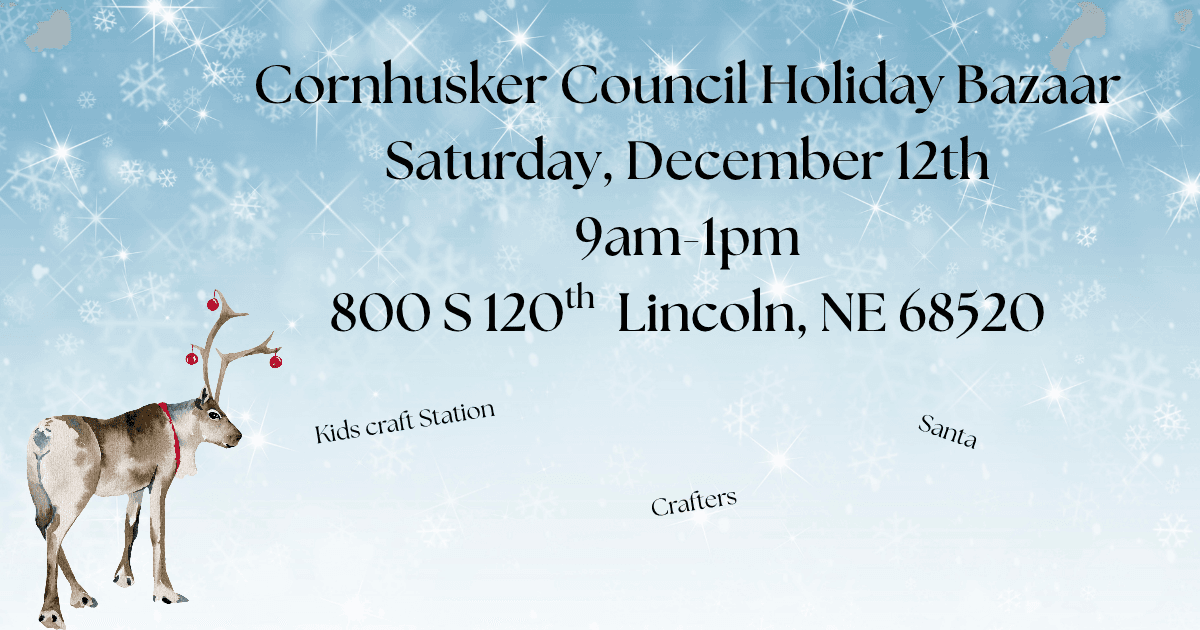
Spend the morning at the Cornhusker Council celebrating the holiday season. The Holiday Bazaar is Saturday, December 12th from 9am to 1pm. Get your photo taken with Santa Claus (while supplies last), shop with the crafter
The Outdoor Education Center offers camping, soccer field, open fields, indoor rock wall, 5 stand, meeting room rentals and event rentals.
Fill out the online rental form and submit back to the Council. Camp at Camp Cornhusker in tents or cabins, or hold your meetings there.
Understanding how to register for an event:
From the registration page:
- Click on the green, register button.
- Continue as guest or Log in
- The guest button moves you through the process slower, as you will have to enter all of your information manually every time you register for an event.
- The log in button will save your information and allow you to upload your unit roster (makes it quicker when signing the unit up for events). Please note: This is specific per user!
- Fill out the registration contact information. This is the person who we will be contacting when we send out communications about the event (what to bring, expectations, changes, etc). This is also the person that will receive all of the documentation from events like MBU and Camp.
- Next, fill in everyone that is coming to the event.
- If you are registering yourself for an event, you will need to re-enter your information as the participant (adult leader, whatever the event is requiring).
- If you are registering youth, you will add their information under the youth tabs. NOTE: when registering for events you may need to know a lot about each youth, medical concerns, allergies, dietary restrictions, emergency contact name, phone number and email (this is a benefit of the LOG IN key, which will save all of that information).
- Once the information is complete, it is time to check out. Make sure the "update information" button is NOT showing red.
- When everyone's information is updated, click to the checkout. Depending on the event you may have payment options. Choose your option and click "checkout". Fill out your billing information and acknowledge the cancelation policy. Last step, enter your method of payment.
- Payment types: Electronic Check: need routing number and account number, Credit Card, Unit account: this requires a code, which the Cubmaster/Scoutmaster/Committee Chair can contact us to receive, or mailing a check, although this option gets shut off earlier so we can guarantee payment is in the office before the event starts. Once completed, click on "authorize payment"..
- You will be sent a confirmation email with your registration number and the event. You can go back into your registration at anytime.
For further assistance, please contact Paula Rezek at 402-488-6023 or paula.rezek@scouting.org to assist you with any registration needs.
